(TODO)Editor Scripts
startSolar2D
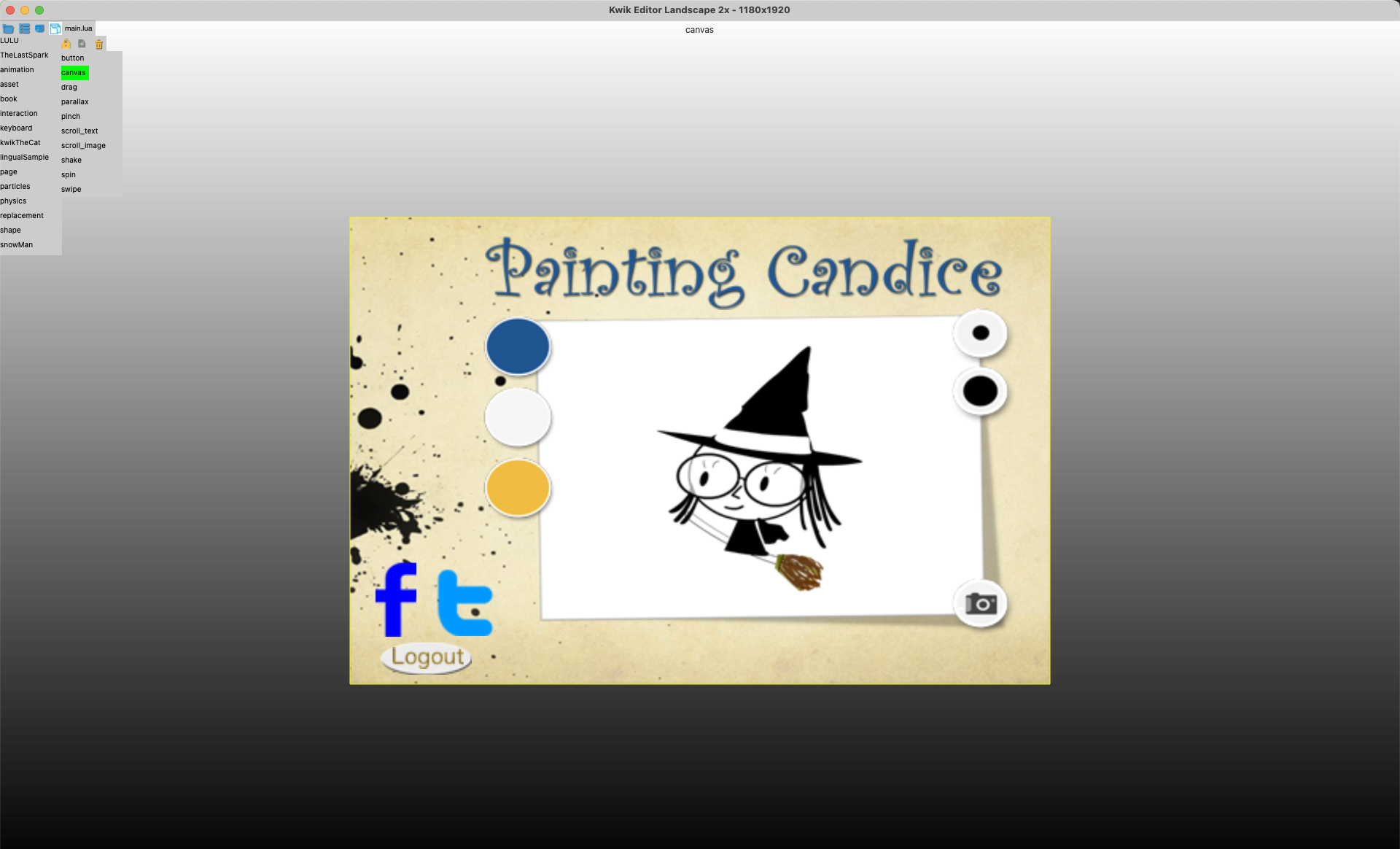
When editing in Kwik editor, you may change default scale 1 or 2 if you like to zomm it, and use Kwik Editor Landscape 2x skin in Solar2D simulator. The simulator uses 1180x1920 for kwik editing
get_started/step2_editor/#simulator-skin
Mac
bash ./Scripts/startSolar2D.command --scale 2x --singletonWin
./Scripts/startSolar2D.bat --scale 2x --singletonif env.mode == "development" or env.mode == "debug" then
env.props = {
name = env.book,
editor = true,
gotoPage = env.goPage,
language = "", -- empty string "" is for a single language project
position = {x = 0, y = 0},
gotoLastBook = true,
unitTest = false,
httpServer = false,
scale = 1,
showPageName = true,
turnOffNativeVideo = true
}skin2x
toggle_mode
The usage is toggle_mode.command debug|dev|prod, and main.lua’s env.mode and config.lua’s scale value are toggled
debug mode=“debug” scale=“adaptive”
dev mode=“development” scale=“adaptive”
prod mode=“production” scale=“letterbox”
fetch_goog;e_fonts
The follwoing Google fonts are saved to Solar2D/fonts directory
TARGET_DIR="Solar2D/fonts"
mkdir -p "$TARGET_DIR"

# Roboto source
ROBOTO_BASE="https://github.com/google/fonts/raw/main/apache/roboto"

# Noto Sans JP source
NOTO_BASE="https://github.com/google/fonts/raw/main/ofl/notosansjp"

ROBOTO_FILES=(
  "Roboto-Regular.ttf"
  "Roboto-Bold.ttf"
  "Roboto-Italic.ttf"
  "Roboto-Medium.ttf"
)

NOTO_FILES=(
  "NotoSansJP-Regular.ttf"
  "NotoSansJP-Bold.ttf"
  "NotoSansJP-Medium.ttf"
)
create_book
Usage: create_book.bat [dst] [book] [pages]
./create_book.command Solar2D MyStory
./create_book.command Solar2D MyStory "page1 page2 page3"