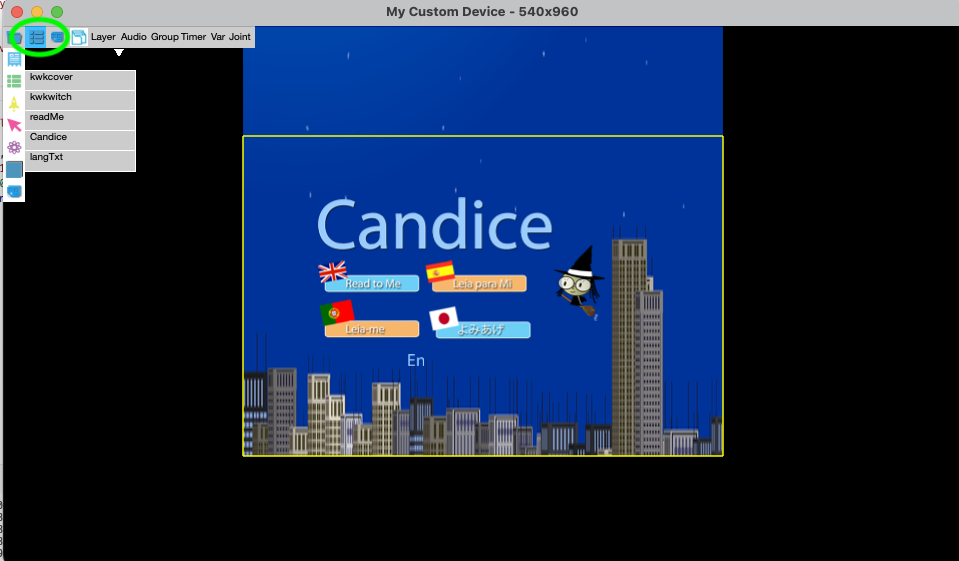
Component View
Component View shows the list of layers - Layer table, the list of actions, and the list of assets in the selected page. The left icon to the table by the following icon in the top bar
the layer icon

At the top bar, you will see these icon, the left one is the layer icon, the middle is action icon to show the action table, and the right one is asset icon to show the assets


Layer table